


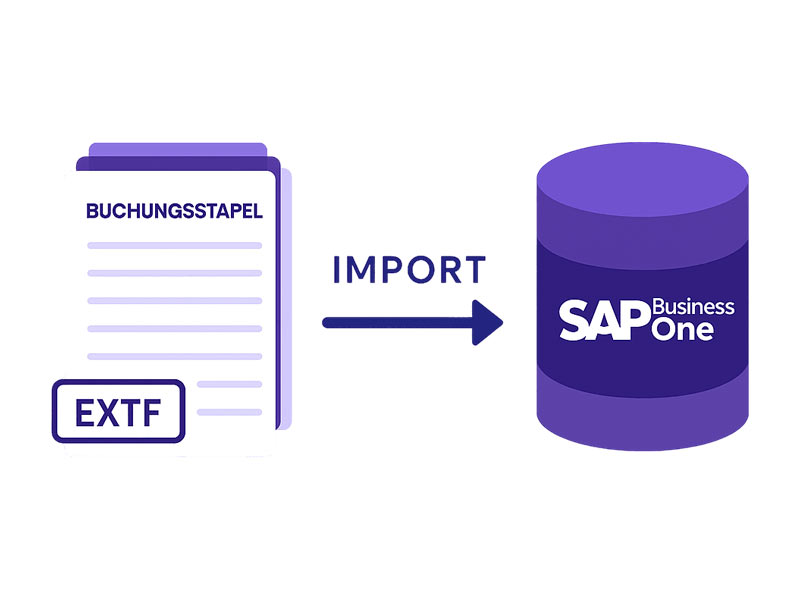
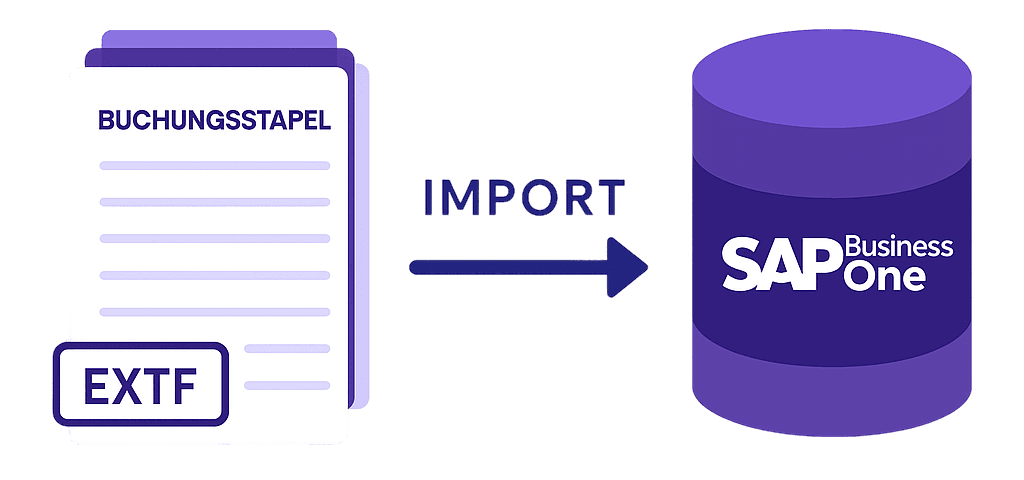
With the SAP Business One DATEV Import App from conesprit, DATEV posting batches can be imported into SAP Business One.
If you have payroll statements, credit card statements, or year-end closing entries from your tax advisor in the EXTF_Buchungsstapel.csv format, these files can be imported using the SAP Business One DATEV Import App.
The data is then validated. This checks whether the relevant general ledger or business partner accounts exist and are active in SAP Business One. If so, the posting batch can be imported either as a single journal entry or as one journal entry per posting batch line.
The app includes a mapping for transferring DATEV posting keys to SAP Business One tax codes. DATEV automatic accounts can also be defined so that tax postings related to automatic accounts appear correctly in SAP Business One.
The imported data is available to users under the "Parked Document" function. Here, the import results can be reviewed and then transferred as a journal entry.