


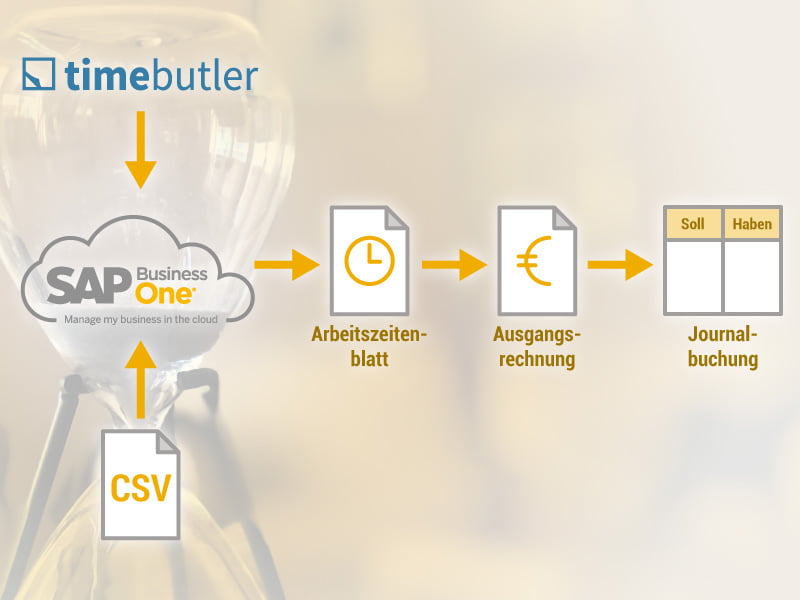
Import Timebutler working hours into SAP Business One and automatically generate draft invoices.
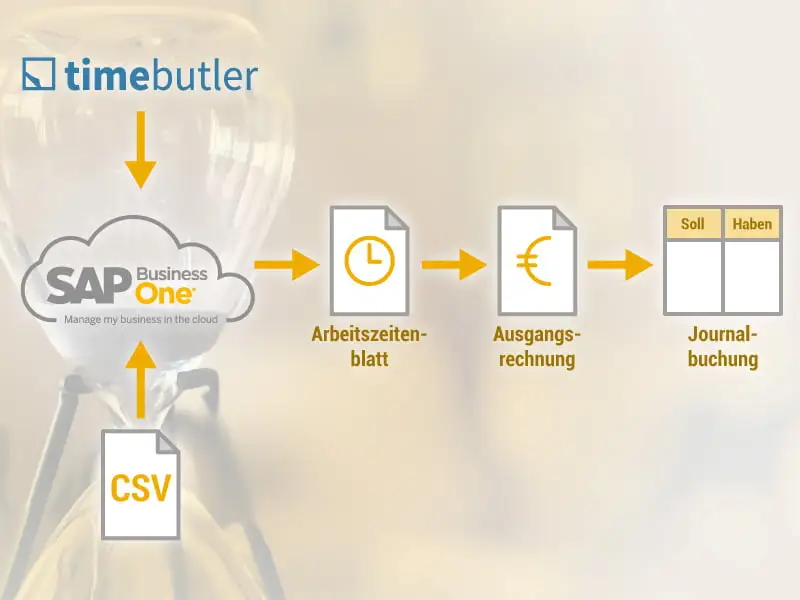
What does the interface of conesprit GmbH do for importing employee time data?
The interface allows the import of working hours either from the Timebutler software or from pre-made CSV files into SAP Business One.
What is the unique selling point of the interface?
The interface not only allows you to transfer working hours but also to automatically generate corresponding invoice drafts as suggestions. Before creating and later sending the outgoing invoice, the draft can be adjusted as needed and, for example, supplemented with further details. With another click, the invoice is complete and the accounting entry is automatically generated in the background.
How are the hourly rates transferred to the final invoice?
When creating a draft invoice, the user can decide whether to sum all hours from the past period per customer or to enter them in detail (each entry individually).
Multiple invoicing based on the same working hours is not possible, as the interface indicates for each working time entry whether it has already been invoiced ("charged") or not.
For which companies is the interface suitable?
In principle, the interface is suitable for all SAP Business One customers in Germany for transferring working hours.
For service providers who bill based on time and materials, invoicing is particularly time-consuming. By using the interface in their accounting system, these companies save a significant amount of time thanks to automatically generated invoice drafts. Examples of such companies include management consultancies, software consultancies, maintenance service providers, and also craft businesses.