
Get in touch
Arzu Torcuk
distribution
Phone: +49 7191 34 55 354
Mobile: +49 160 99538999
Email: arzu.torcuk@conesprit.de














Training offer
Find a complete overview of our training offerings here.
Training materials
Click here for our training materials
Training offers
Basics
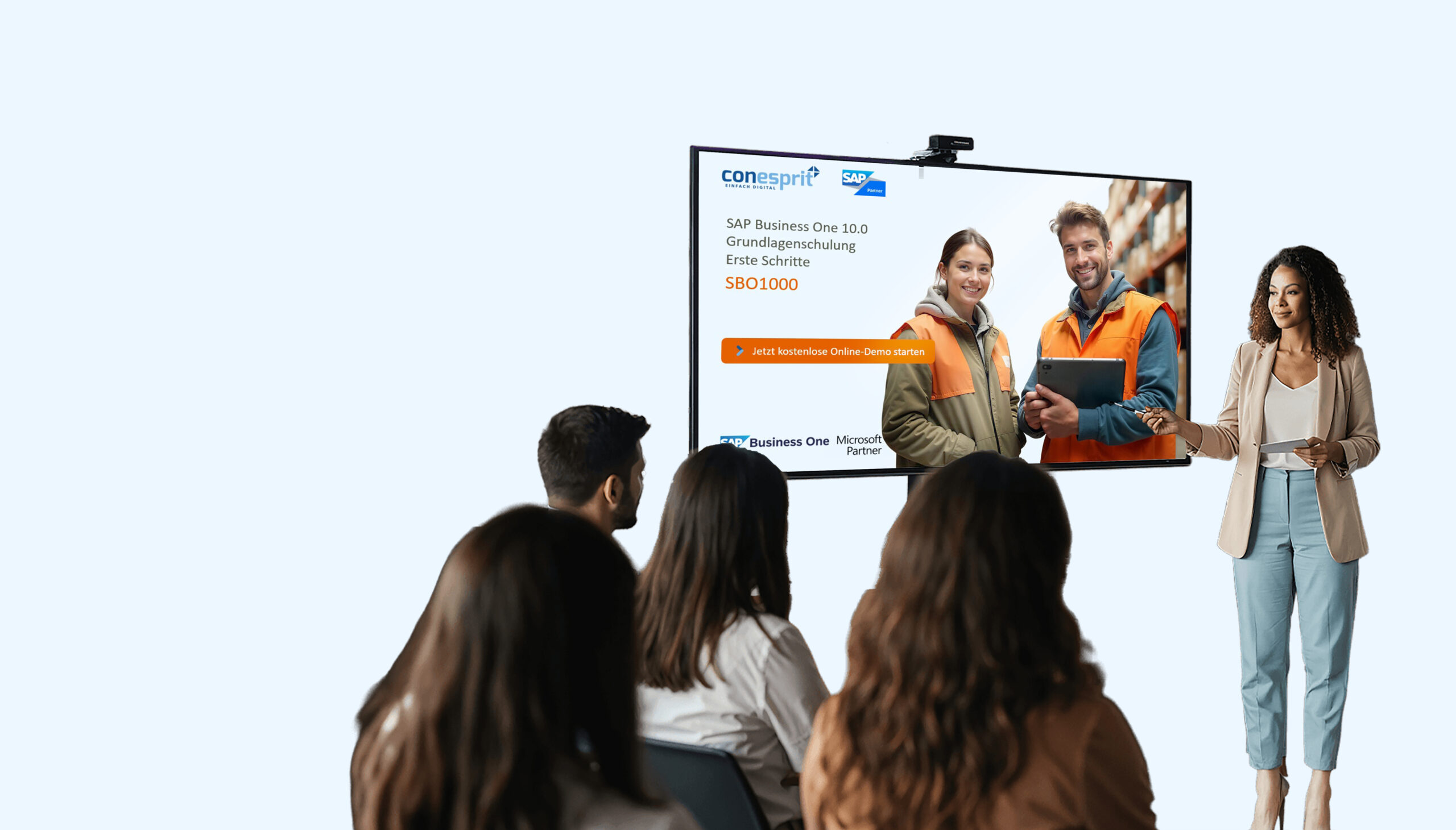
SBO1000
Introduction / First Steps
Log in and out of Web Client and Browser Access
Basic structure and navigation
Customization of the home page/cockpit
Form settings
Search function / Enterprise Search
Financial accounting / banking processing
SBO2000
Basics of financial accounting
Roadmap for the use of integrated financial accounting
SBO2100
Bank statement processing
Setting up bank statement processing
First bank account transactions
Internal and external coordination
SBO2200
Electronic payment transactions
Setting up the payment assistant
Payment Assistant Steps 1-8
SBO2300
Asset accounting
Asset master data, class
Depreciation method
Activate, sell, write off assets
SBO2400
Cost center accounting
Establishment of cost centers and cost groups
Definition and management of distribution rules
Allocation of cost centers to bookings
Evaluations and reports on cost centers
Analysis of Budget vs. Actual Costs
Production / Inventory / Disposition
SBO3000
Production in standard
Production
Disposition
SBO3100
Disposition assistant
Requirements
Item master planning data
Disposition assistant
SBO3200
inventory
Item opening inventory
Inventory / stock count
Inventory posting, list, journal entry
SBO3300
Serial numbers and batches
Basic training on serial numbers and batches
Deepenings
SBO4000
CRM – Activities and Opportunities
Activities, activity list
Opportunities
Reports
SBO5000
Framework agreements
Create, fulfill, and change framework agreements
Create receipts
Framework contract fulfillment report
SBO6000
Project management
Project definition: Stages, sub-projects, budgets
Project management
Summary key figures
Project reports
SBO9000
Reports and analyses
Selected financial reports: balance sheet, profit and loss statement, balance sheet and open items
Sales reports: Revenue analyses
Inventory reports: Stock reports
Creating your own requests
Training materials
Browser Access
Basic training
Login, user account and recommended browsers
Structure, navigation and central controls
Homepage, cockpit and personal settings
Search and data maintenance, search vs. add mode
Customize forms and lists, columns, settings, filters, groups
Predefined texts and general information
Customers and suppliers
Business partners, GP list, GP master data
Basic training for business partners (customer and supplier base)
Customer and supplier group
Payment terms
Sales representative
Item master
Create and search articles
Valuation method, price lists, parts lists, warehouse
Article lists
Inventory reports
Basics of processes
Create, search, change, filter, evaluate documents
Integrated financial accounting, sales and purchasing processes
Create documents in English
Sales process
Create, change, filter, evaluate documents
Sales process linking plan
Sales process from offer to outgoing credit note
Sales process with sales down payment request and sales down payment invoice
Sales process: Outgoing credit note without quantity reference
Shopping
Create, change, filter, evaluate documents
Purchasing process linking plan
Purchasing process from order to incoming credit note
Data import
Data import of business partners, articles and business partner catalog numbers (from Excel)
Create parts list / price list (from Excel)
Create barcodes with Excel
Creating Code128 barcodes in Excel using a VBA function
Check and validate barcodes online
Generate and print labels via Word mail merge
Support
Create and manage tickets directly via the support app
Clearly differentiate between technical and content support.
Use priorities and status for efficient ticket processing
Freight / Shipping / Other Surcharges
Purpose of the freight function
Possibilities and associated advantages and disadvantages when booking surcharges
Inventory valuation
Continuous inventory management
Non-continuous inventory management
Differences, advantages and disadvantages
Purchase prices
Record and allocate import costs
Customs groups and accounts are defined
Create and post cost of goods sold documents
Distribute costs according to quantity, weight, or value
Cancel purchase prices
Statistical sales documents
Definition of statistical evidence and use cases
Import data from Excel
Reporting/Printing
SBO1930

Browser Access Shortcuts
Navigate faster and open receipts
Copy, paste and edit data
Efficiently manage and sort tables
SBO1940
Abbreviations for documents
Document type abbreviations (e.g., AU for customer order, RE for outgoing invoice)
Browser Access: 2. Financial Accounting and Banking
Basics of financial accounting
Configuration of the financial accounting
Booking periods
General ledger accounts
Transfer of item inventory / general ledger account balances / OPOS
Various booking options: Automatic bookings, manual journal entry, recurring booking, recurring transaction
vote
Manual payments
VAT advance return
Currencies
Set house and system currency for accounting
Manage prices and bookings in multiple currencies
Automatically post exchange rate and conversion differences
Create posting periods
Create new periods for the upcoming fiscal year
Define and lock sub-periods (months or quarters).
Manage period status: unlocked, locked, or completed
Bank statement processing
Setting up bank statement processing, bank codes, reconciliation criteria
Import first bank account transactions
Internal and external coordination
Examples
Electronic payment transactions
Setting up the payment assistant
Payment Assistant Steps 1-8
Asset accounting
Asset master data, class
Depreciation method
Activate, sell, write off assets
Annual financial statements
Preparation of annual financial statements/checklist
Implementation of annual financial statements
Reports/Documentation
Periods
Browser Access: 3. Production, Inventory and Disposition
inventory
Item opening inventory
Inventory / stock count
Inventory posting, list, journal entry
Serial numbers and batches
Create serial numbers and batches
Serial numbers and batches in all documents
Traceability
Reports
Create storage locations
Define storage levels
Create warehouse codes
Properties of storage locations
Create barcodes with Excel
Creating Code128 barcodes in Excel using a VBA function
Check and validate barcodes online
Generate and print labels via Word mail merge
Browser Access: 4. Advanced Topics
Framework agreements
Create, fulfill, and change framework agreements
Create receipts
Framework contract fulfillment report
Price Update Assistant
Adjust item prices by a fixed amount or percentage
Make changes specifically for individual or all price lists
Check simulation and implement price changes
differential taxation
Definition of the article master
Creation of purchasing document
Creation of outgoing invoice
Journal entries generated by the outgoing invoice
Webshop connection via conesprit Marketplace App
Transfer webshop orders to SAP Business One
Transfer stocks from SAP Business One to the web shop
Configuring the Marketplace App
Personnel time recording (PZE), time sheet, invoicing, project controlling, framework agreement
Configuration of the PZE App/Time Recording App
From the hourly entry in the PZE to invoicing, to the booking record
From time entry to working time sheet
Project reports
Analytics / Reports
Selected financial reports: balance sheet, profit and loss statement, balance sheet and open items
Sales reports: including sales analyses
Inventory reports: including stock reports
Query generator & examples
Creating your own SQL queries in SAP Business One
Search tables and fields selectively
Use frequently used tables and sample queries
Support
Create and manage tickets directly via the support app
Clearly differentiate between technical and content support.
Use priorities and status for efficient ticket processing
Web Client: Basics
Basic training
Log in and out of the Web Client
Log in to SAP Business One
Basic structure and navigation
Customization of the home page/cockpit
Form settings
Search function / Enterprise Search
Business partners: customers and suppliers
Business partners, GP list, GP master data
Basic training for business partners (customer and supplier base)
Customer and supplier group
Payment terms
Sales representative
Item master
Create and search articles
Valuation method, price lists, parts lists, warehouse
Article lists
Inventory reports
Basics of processes
Create, search, change, filter, evaluate documents
Integrated financial accounting, sales and purchasing processes
Create documents in English
Sales process
Create, change, filter, evaluate documents
Sales process linking plan
Sales process from offer to outgoing credit note
Sales process with sales down payment request and sales down payment invoice
Sales process: Outgoing credit note without quantity reference
Analytics / Reports
Selected financial reports: balance sheet, profit and loss statement, balance sheet and open items
Sales reports: including sales analyses
Inventory reports: including stock reports
Hardware
Zebra Tablet ET series scanner configuration
Setting up the Zebra Scanner Tablet ET-Series for use as a virtual keyboard